Deploying Laravel on AWS Lightsail, the lean way
A pragmatic setup with zero-downtime deploys that costs less than a coffee subscription.
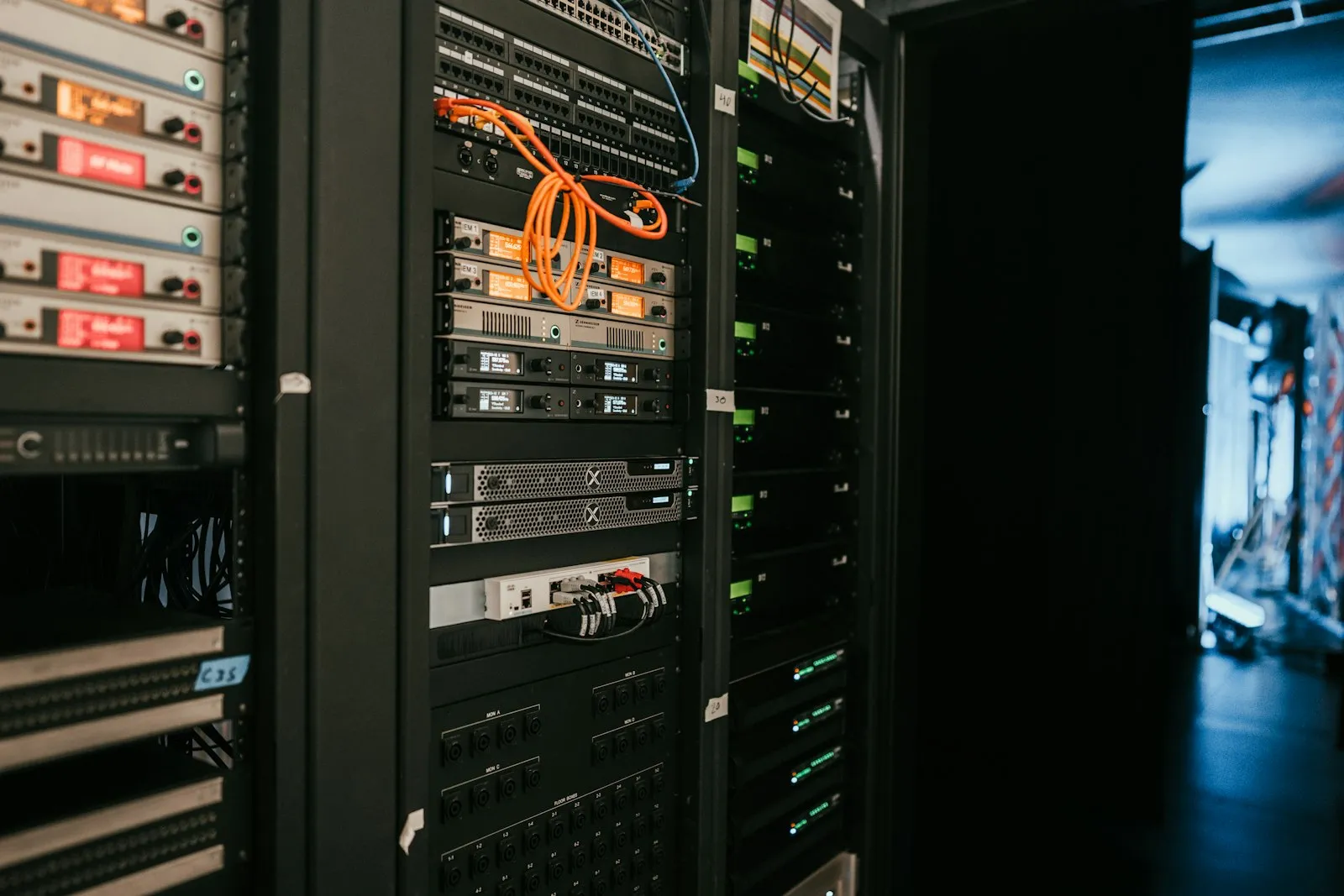
Not every client needs Kubernetes. For a lot of Laravel apps, a single well-configured Lightsail instance with a simple deploy script gets you 90% of the reliability at a fraction of the cost and complexity. This is that setup.
Key Takeaways
- Lightsail costs $5–20/month for a solid Laravel app; Kubernetes costs 10x more for the same workload
- Zero-downtime deploys work via atomic symlink swaps; no need for a platform
- Use supervisor for queue workers so they auto-restart on crash
- Monitor with CloudWatch; alerting catches issues faster than customer complaints
The setup
Nginx, PHP-FPM, and a supervisor process for queue workers, all on one instance. A deploy script pulls the latest code into a new release directory and symlinks it into place — the same pattern tools like Deployer and Envoyer use, just hand-rolled.
Initial setup:
# Create release directory structure
mkdir -p /var/www/releases
mkdir -p /var/www/shared/{storage,logs,node_modules}

# Create the symlink that points to current release
ln -s /var/www/releases/release-20260724-001 /var/www/app

# Give the web server permission to write to shared folders
chown -R www-data:www-data /var/www/shared
Deploy script (/home/ubuntu/deploy.sh):
#!/bin/bash
set -e

REPO="https://github.com/yourname/yourapp.git"
RELEASE_DIR="/var/www/releases/release-$(date +%s)"
SHARED_DIR="/var/www/shared"
CURRENT_LINK="/var/www/app"

echo "Deploying to $RELEASE_DIR..."

# 1. Clone the latest code
git clone --depth 1 --branch main $REPO $RELEASE_DIR

# 2. Install dependencies
cd $RELEASE_DIR
composer install --no-dev --optimize-autoloader

# 3. Link shared folders
ln -s $SHARED_DIR/storage $RELEASE_DIR/storage
ln -s $SHARED_DIR/logs $RELEASE_DIR/storage/logs
ln -s $SHARED_DIR/.env $RELEASE_DIR/.env

# 4. Run migrations (optional; only if needed)
php artisan migrate --force

# 5. Swap the symlink (atomic operation)
ln -sfn $RELEASE_DIR $CURRENT_LINK

# 6. Reload PHP-FPM to pick up the new code
systemctl reload php7.4-fpm  # or your PHP version

# 7. Restart queue workers
systemctl restart app-queue

# 8. Clear old releases (keep last 5)
ls -1d /var/www/releases/release-* | sort -r | tail -n +6 | xargs rm -rf

echo "Deploy complete!"
Run it:
bash /home/ubuntu/deploy.sh
The script is idempotent — run it twice, it works both times. No manual steps in Lightsail or AWS console.
Zero-downtime, without the platform
The secret is the atomic symlink swap. When you do ln -sfn $RELEASE_DIR $CURRENT_LINK, the OS guarantees the symlink changes instantaneously. Requests in-flight finish against the old code; new requests hit the new code. No downtime.
Combine that with php artisan down --render for migrations that need a moment:
# Before migrations (show maintenance page)
php artisan down --render=errors::503

# Run migrations
php artisan migrate --force

# Bring the app back up
php artisan up
Users see a brief “Under Maintenance” page; the app never goes truly down. Most users don’t notice.
Nginx config for serving the public folder:
server {
    listen 80;
    server_name example.com;
    root /var/www/app/public;

    location / {
        try_files $uri /index.php?$query_string;
    }

    location ~ \.php$ {
        fastcgi_pass unix:/run/php/php7.4-fpm.sock;
        fastcgi_param SCRIPT_FILENAME $realpath_root$fastcgi_script_name;
        include fastcgi_params;
    }
}
Queue workers with supervisor
Queue jobs need a process that runs in the background. Supervisor manages it and auto-restarts on crash.
Install supervisor:
apt-get install supervisor
Configure it (/etc/supervisor/conf.d/app-queue.conf):
[program:app-queue]
process_name=%(program_name)s_%(process_num)02d
command=php /var/www/app/artisan queue:work --sleep=3 --tries=3
autostart=true
autorestart=true
numprocs=2
redirect_stderr=true
stdout_logfile=/var/www/shared/logs/queue.log
user=www-data
This runs 2 queue worker processes. If one crashes, supervisor restarts it. No manual intervention needed.
Start it:
systemctl restart supervisor
Monitor the logs:
tail -f /var/www/shared/logs/queue.log
Monitoring and alerting
Lightsail instances send metrics to CloudWatch by default. Set up alarms so you hear about issues before customers do.
Via AWS CLI:
aws cloudwatch put-metric-alarm \
  --alarm-name "app-cpu-high" \
  --alarm-description "Alert if CPU > 80%" \
  --metric-name CPUUtilization \
  --namespace AWS/EC2 \
  --statistic Average \
  --period 300 \
  --threshold 80 \
  --comparison-operator GreaterThanThreshold \
  --evaluation-periods 2 \
  --alarm-actions arn:aws:sns:us-east-1:123456789:your-topic
This sends an email when CPU usage stays above 80% for 10 minutes.
Set up alarms for:
- CPU > 80%
- Disk usage > 80%
- Network errors (if disk fills, writes fail silently)
Cost breakdown (as of 2026):
- Lightsail instance (2 GB RAM, 2 vCPU): $12/month
- Static IP: $5/month
- Database (if separate): $15–30/month
- Total: ~$30/month for a small to medium app
A single EC2 instance with auto-scaling groups and load balancers costs 3–5x more. Kubernetes, 10x more.
When to graduate
This setup works until:
- You need to scale horizontally (add a second server for load balancing)
- Your deploy frequency outpaces what one person can babysit (invest in CI/CD automation)
- Your database becomes a bottleneck (migrate to RDS, add read replicas)
- You need cross-region redundancy (multi-region setup is more complex)
Until then, it’s the setup I reach for first. Simple, cheap, and reliable.
Takeaways
Lightsail + a deploy script gives you zero-downtime deploys, automatic queue handling, and monitoring for less than a coffee subscription. The symlink swap pattern is used by professional tools; implement it yourself and you get the same reliability without the overhead. Use supervisor for background jobs, monitor in CloudWatch, and keep the architecture single-server until it doesn’t fit. That discipline keeps costs predictable and deployments boring.